Every game here is Warrior, Wizard and Taoist, monsters and loot, each with its own focus. Pick one and press Play. Nothing to download.
Free to play
No download
PC and mobile browsers
English, Español, 中文
BackMir trailer: One world, two legends0:35Recorded in game · with sound · Darkforged scenes use an advanced demo character; historical footage keeps the old rune names, now Rune 1 through Rune 8
Choose a game
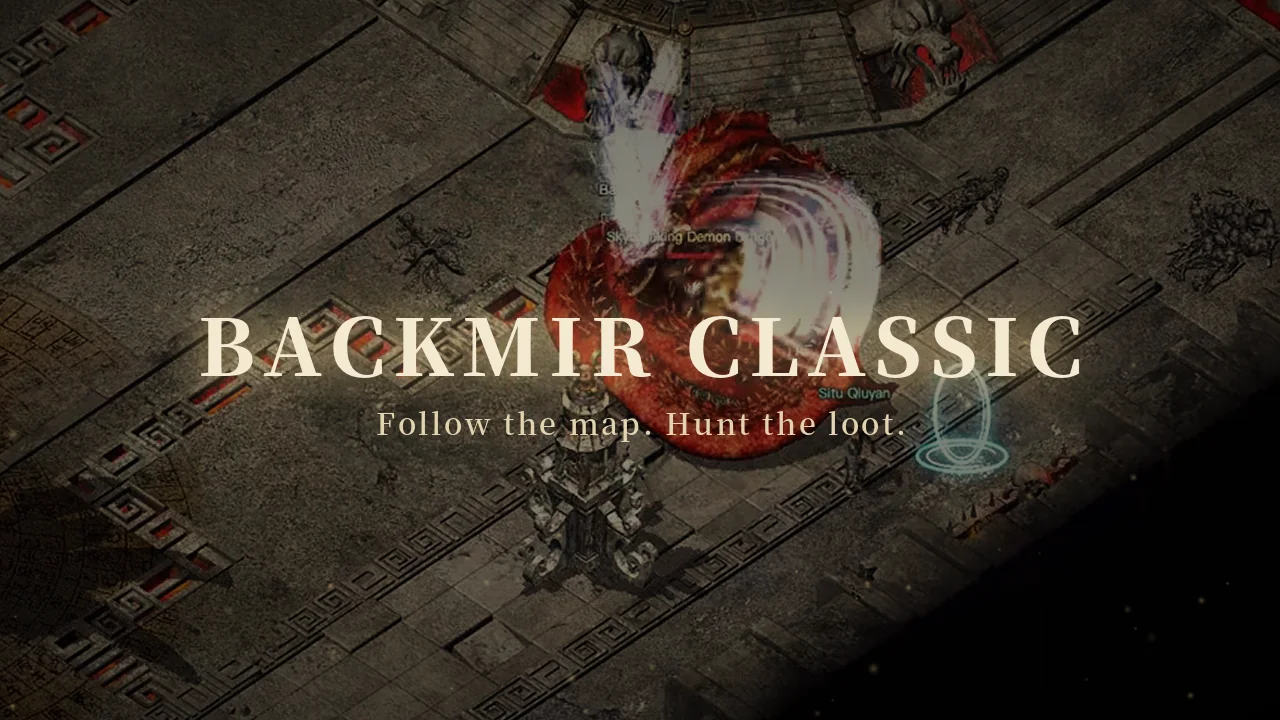
BackMir Classic
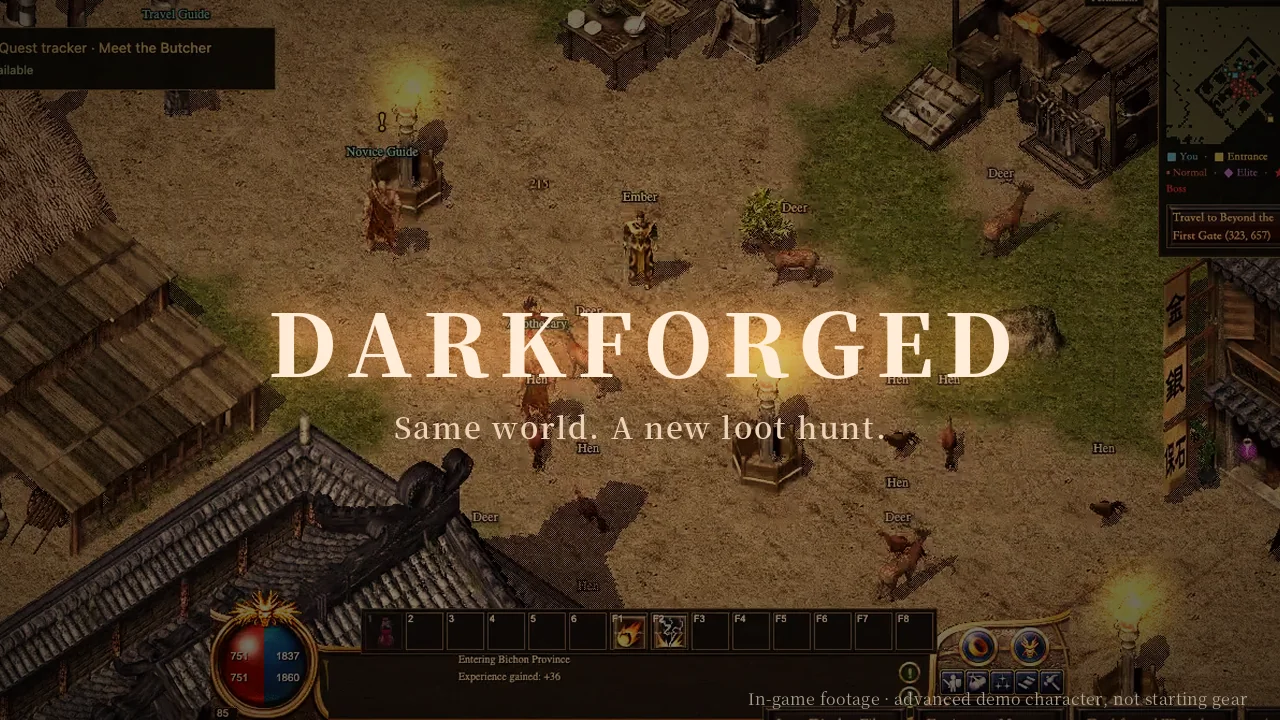
Choose Warrior, Wizard or Taoist, leave Bichon and follow the maps in search of your next drop.
Classic game frame with trailer titles · advanced demo characterWarrior: close combat
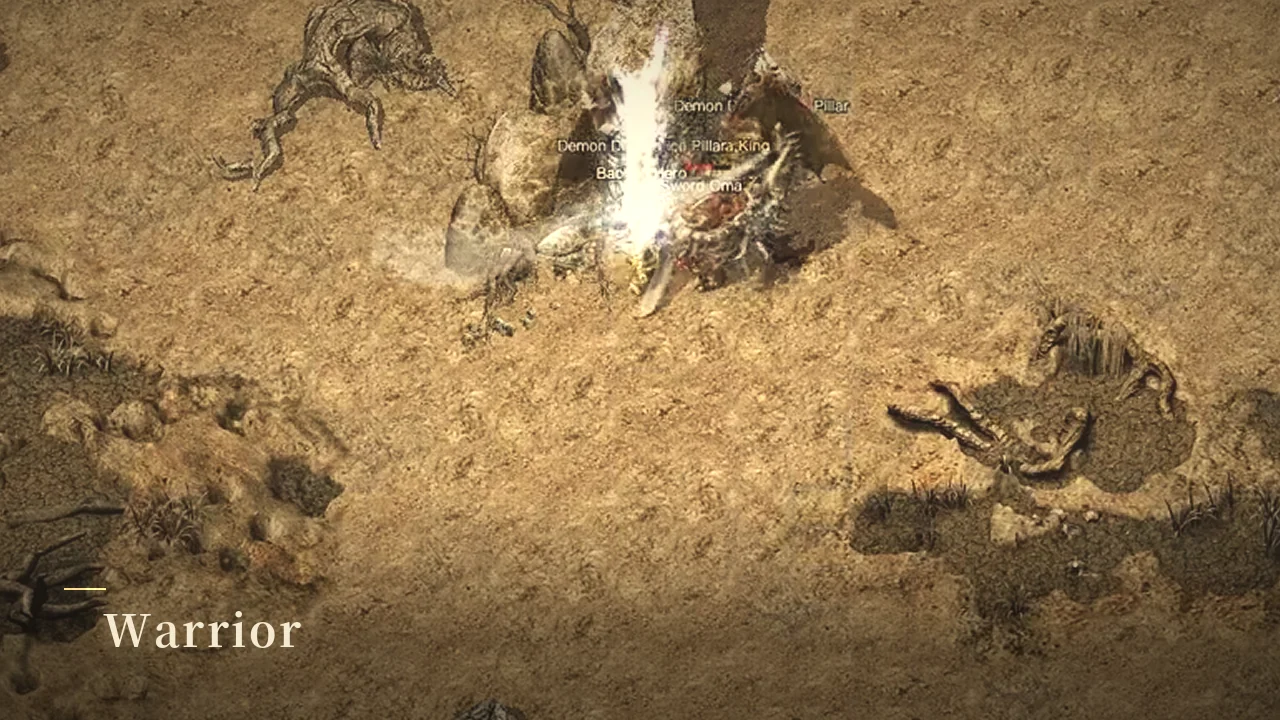
Chain melee skills at close range. Weapons, armour and potions keep you in the fight.
Classic game frame with trailer titles · advanced demo characterWizard: ranged spells
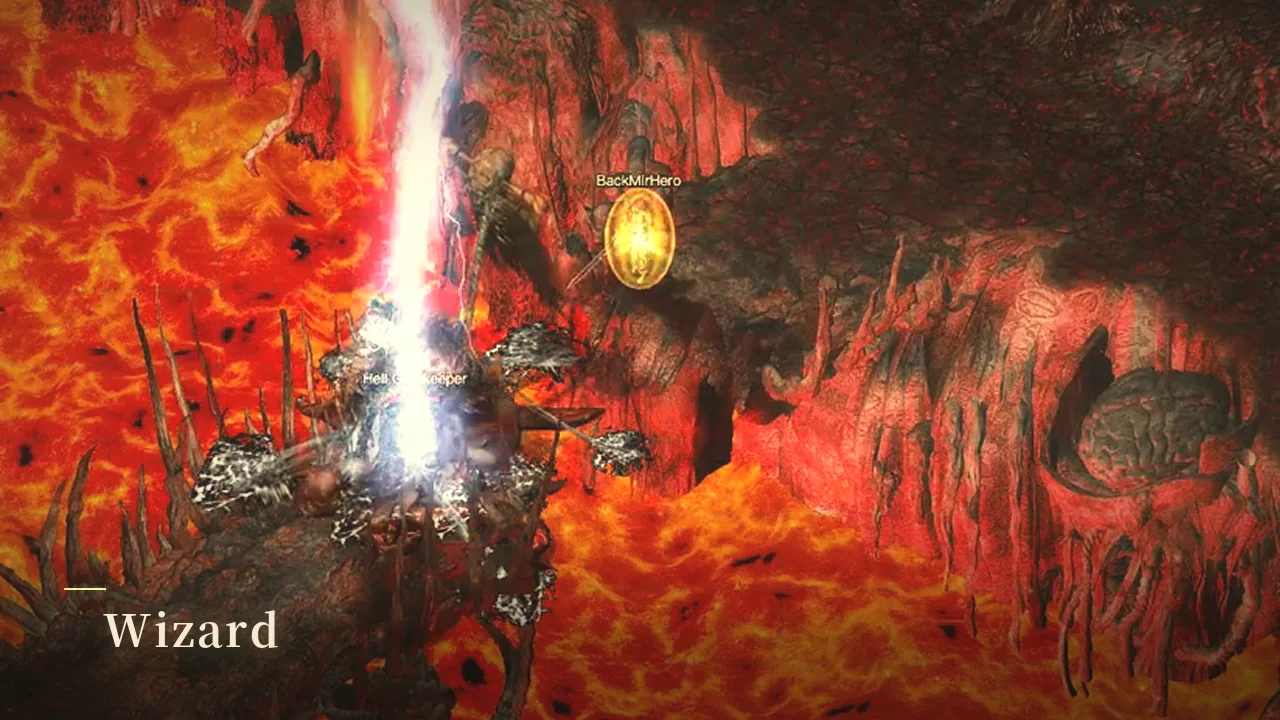
Attack from a distance, manage your mana and find room to cast.
Classic game frame with trailer titles · advanced demo characterTaoist: summons and poison
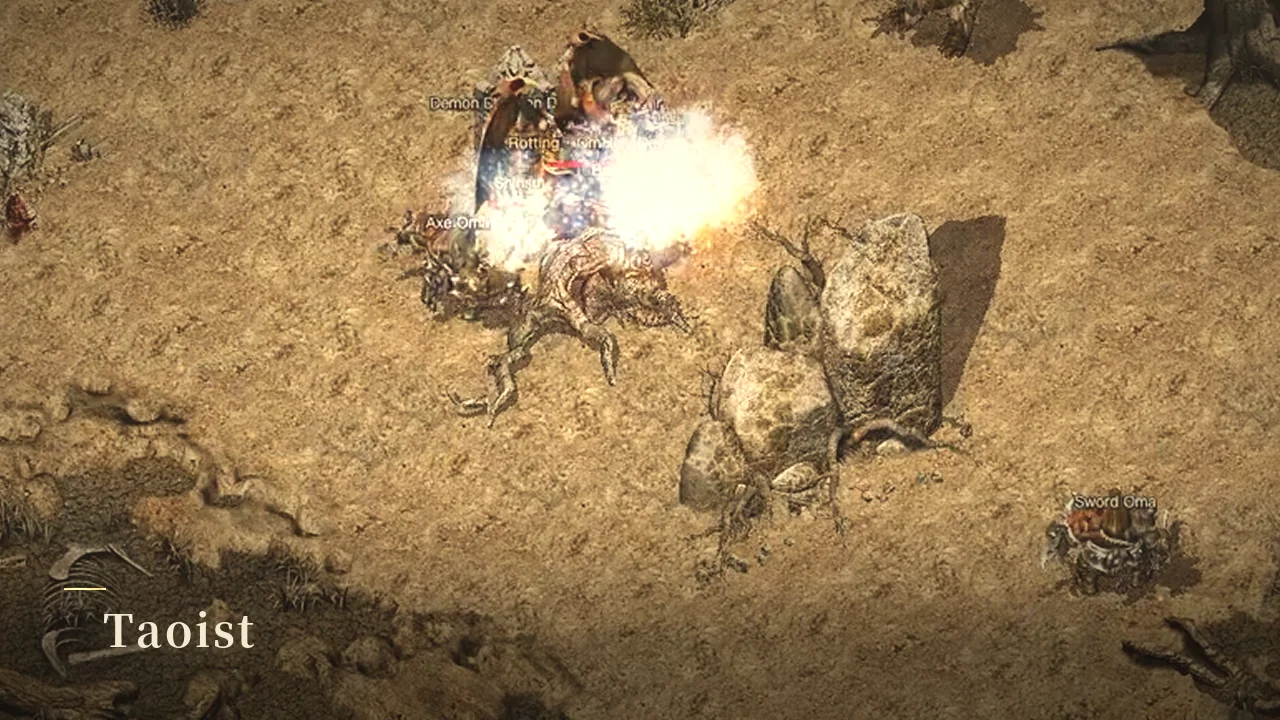
Summon a companion, poison enemies and heal as you explore maps and face bosses.
Classic game frame with trailer titles · advanced demo characterLoot worth a closer look
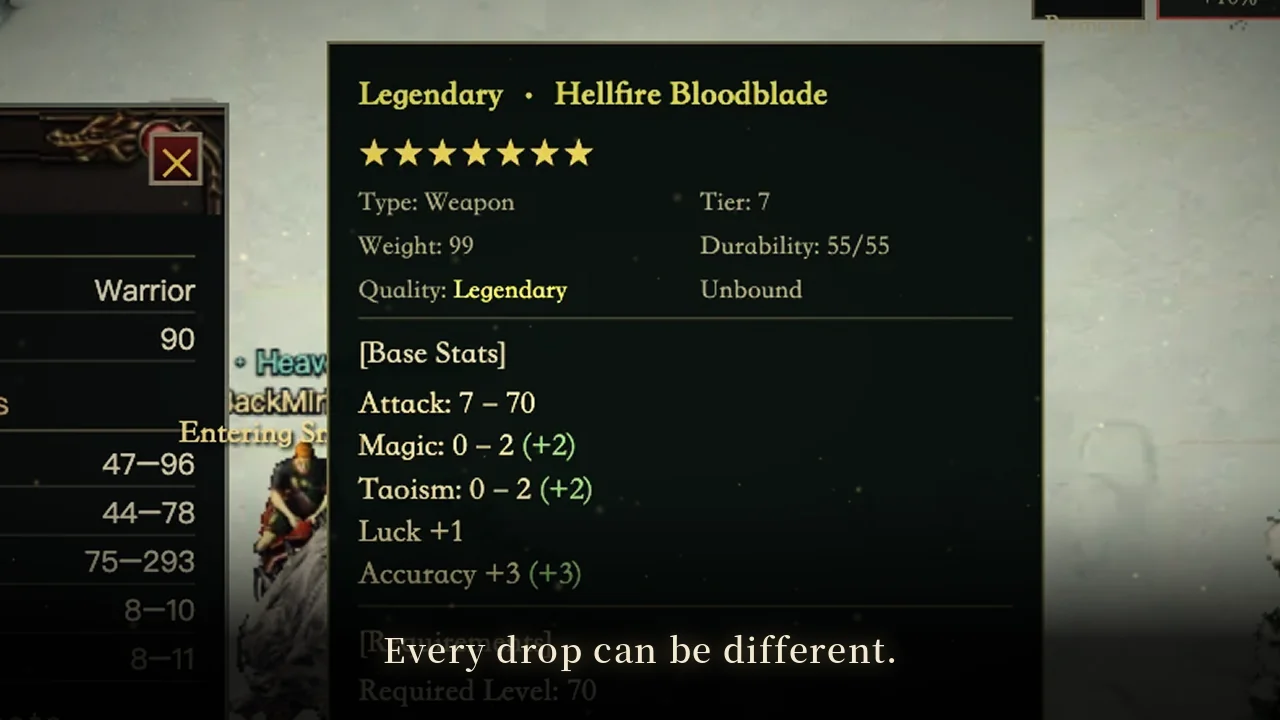
Stars, random bonus points and affixes can make each copy of an item different.
Classic game frame with trailer titles · advanced demo characterPrepare for the next boss
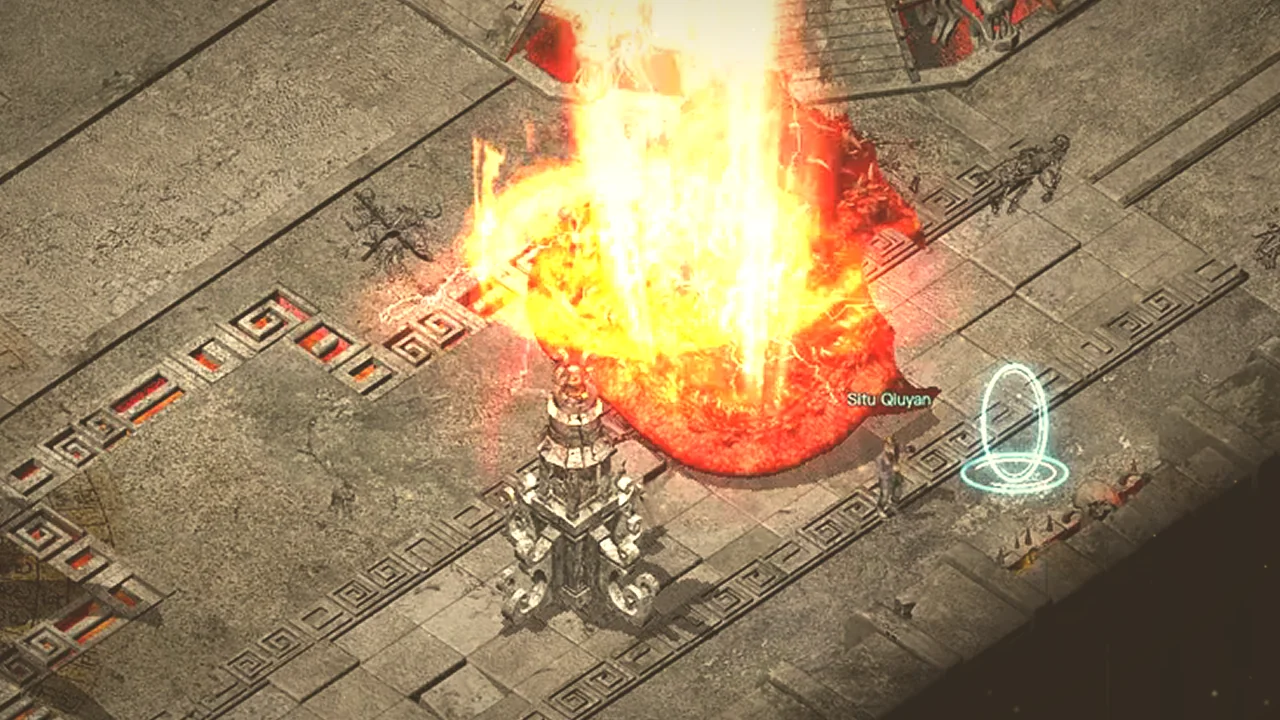
Bring potions, a town scroll and suitable skills before you challenge powerful enemies in search of equipment.
Classic game frame with trailer titles · advanced demo character
Open any image for full size. These in-game trailer frames use advanced demo characters; equipment and boss encounters are earned through progression.
Both games share these three classes and their basic roles. What differs is how your gear grows. The clips below are recorded in Classic.
Warrior Fights up close; weapons and armour matter most. The most direct start. Recorded in game, no soundWizard Casts from range; manage your distance and mana. Recorded in game, no soundTaoist Summons, poisons and heals; the most flexible pace. Recorded in game, no sound
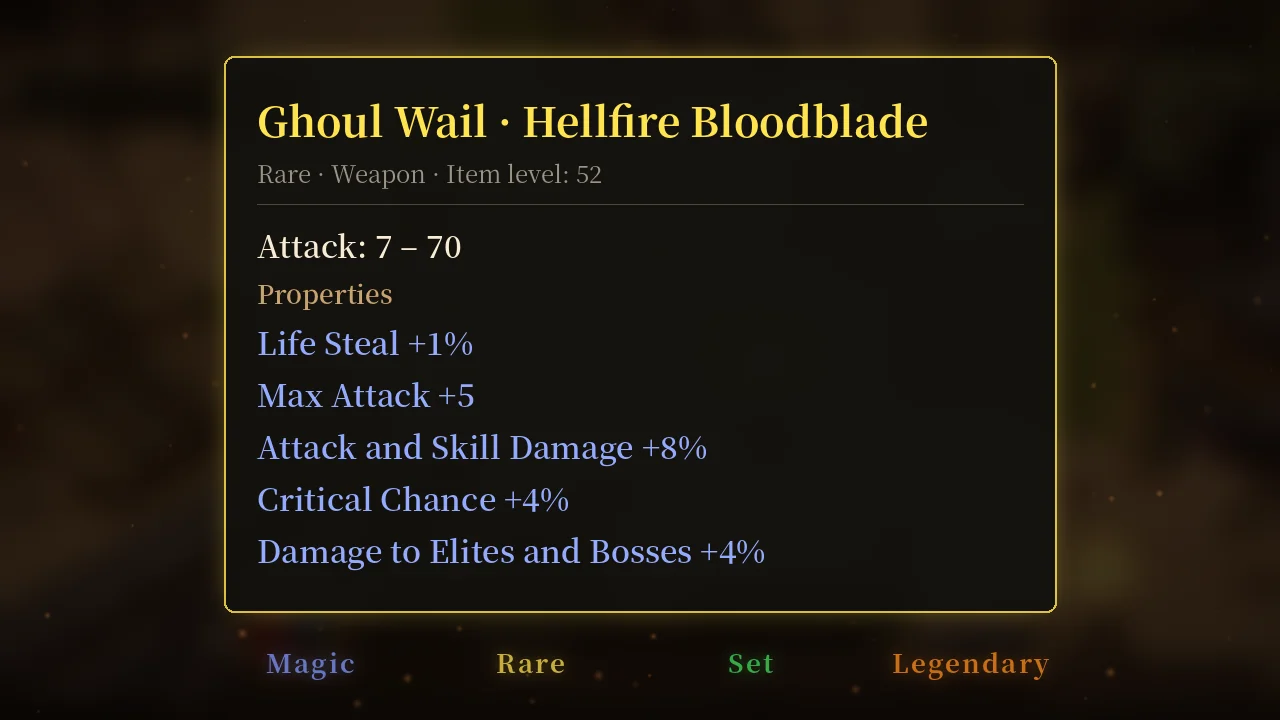
In Darkforged, the same class can grow into different builds through affixes, legendaries and runewords.
Pick a gamePress Play on a game. The first visit loads the game files.
Create a characterChoose Warrior, Wizard or Taoist and follow the starter quests to learn moving, fighting and your bag.
Your progress savesCharacters save automatically in this browser. In games with cloud saves, signing in syncs that game to its own cloud save.
Playing on PC, Mac or phone
PC and Mac
Open your browser; there is no client to install. Hold the left mouse button to move, the right one to run, and click an enemy to attack. F picks up, F1–F8 cast skills, B opens your bag, C your character and M the map.
Phone
Play in landscape with the on-screen touch controls. The first start loads the game files, so Wi-Fi helps.
Before you switch devices
Each game’s save guide explains saving, syncing and moving to another device. Read it before switching devices or clearing browser data.
BackMir (旧境传说) is a collection of browser Mir-style RPGs at backmir.org, available in Chinese, English and Spanish. Every game is free to play in PC and mobile browsers. Characters and saves are kept per game, and the guides are written for each game separately.
Questions
What is BackMir?
BackMir (Chinese name 旧境传说) is a collection of Mir-style role-playing games that run in the browser. It has two games: BackMir Classic, a classic three-class loot hunt, and Darkforged, built around random affixes, legendaries and runewords.
Is it free? Do I need to download anything?
It is free to play and there is nothing to download or install. The first time you start a game, it loads its files over the internet.
Can I play on my phone?
Yes. On a phone, play in landscape with the on-screen touch controls. On a computer, use the keyboard and mouse. Macs work in the browser too.
Do the games share saves?
No. Each game keeps its own characters, bags and progress, and never imports or overwrites another game’s save. Your account is shared; each game with cloud saves syncs only its own. Each game’s save guide says what it currently supports.
How are Classic and Darkforged different?
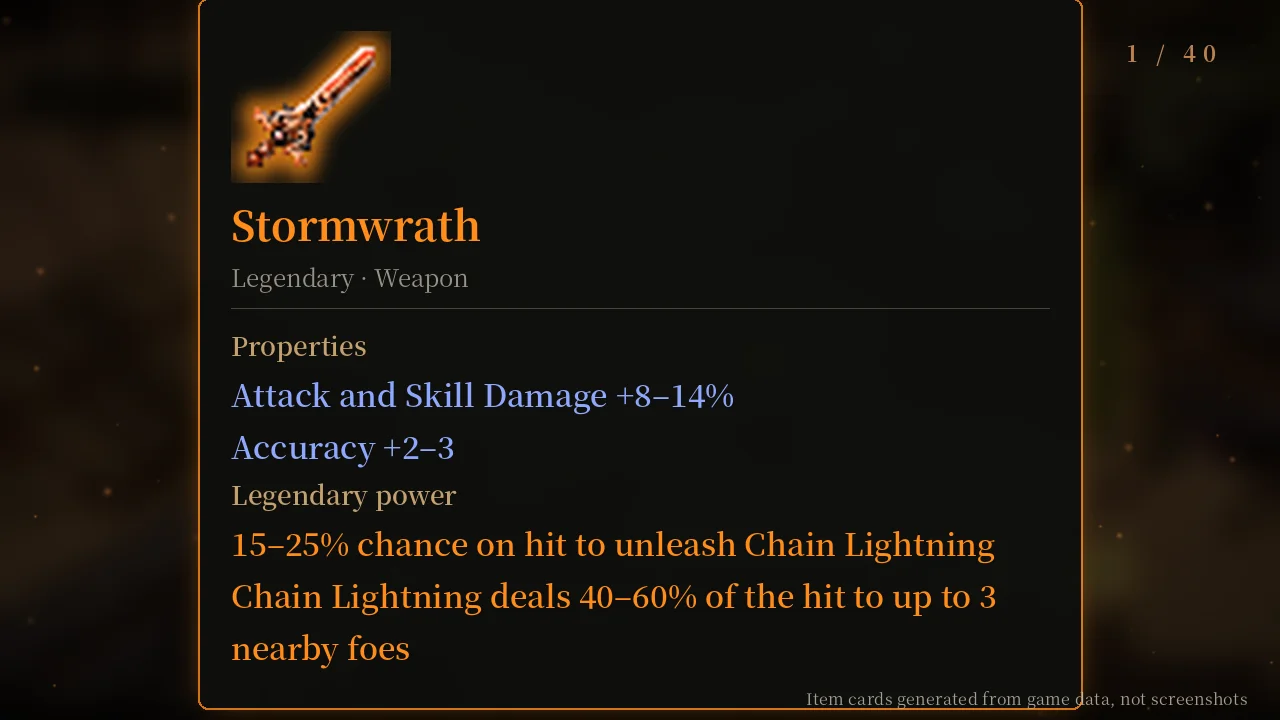
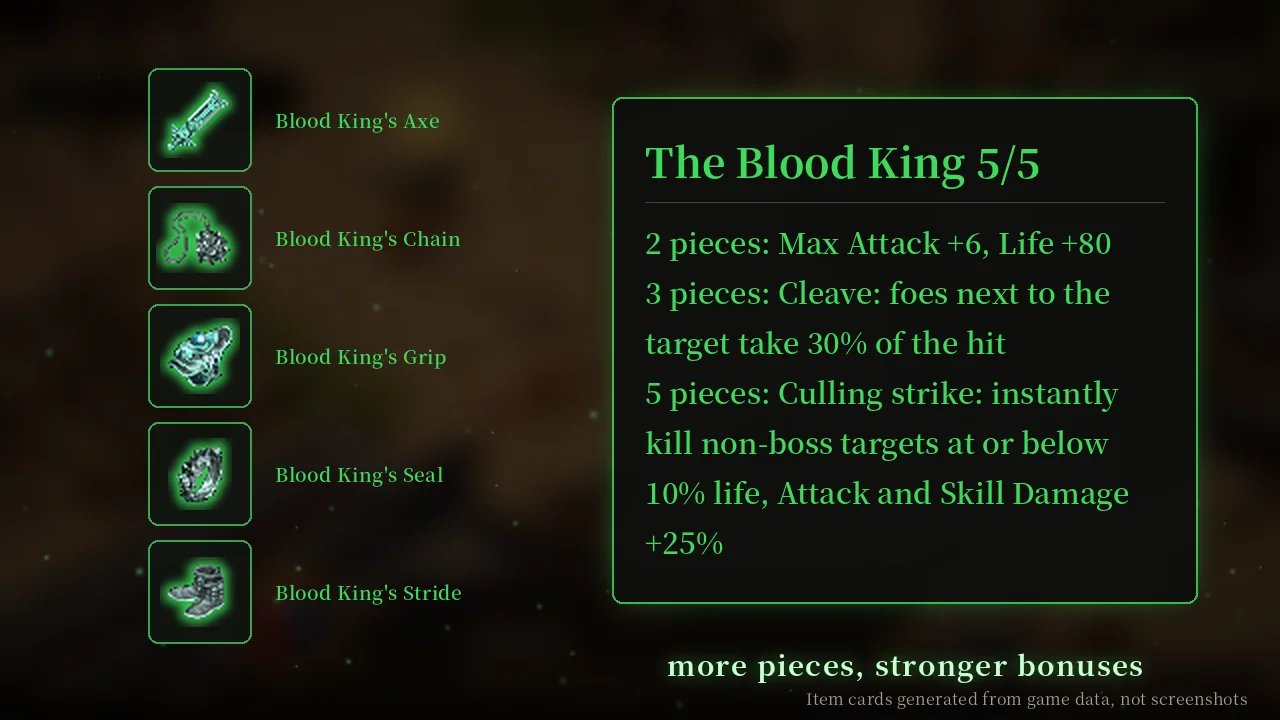
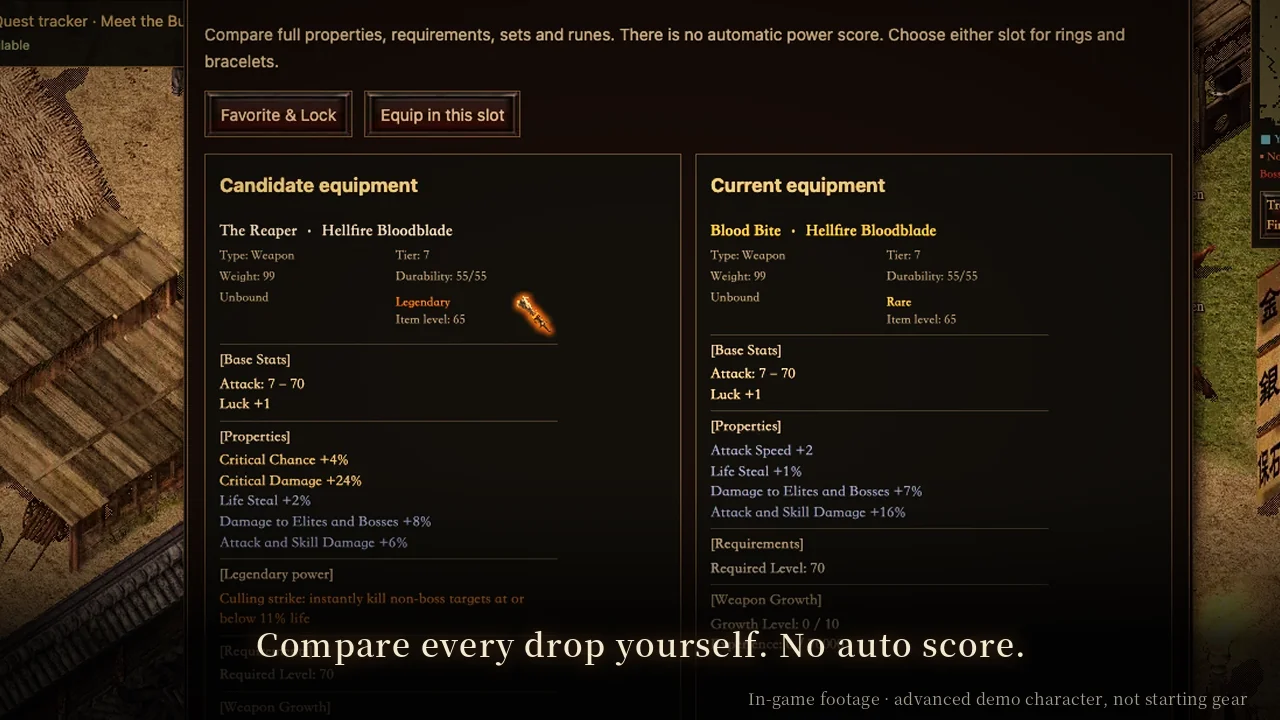
Both have the Warrior, Wizard and Taoist and the same world. Classic is about map routes, target items and steady progression. Darkforged replaces the item system with random affixes, 40 legendaries, 13 sets and runewords, so comparing drops and building matter more.
Will there be more games?
Yes. New Mir-style games with different rules will be added over time, each with its own page, guides and separate saves.